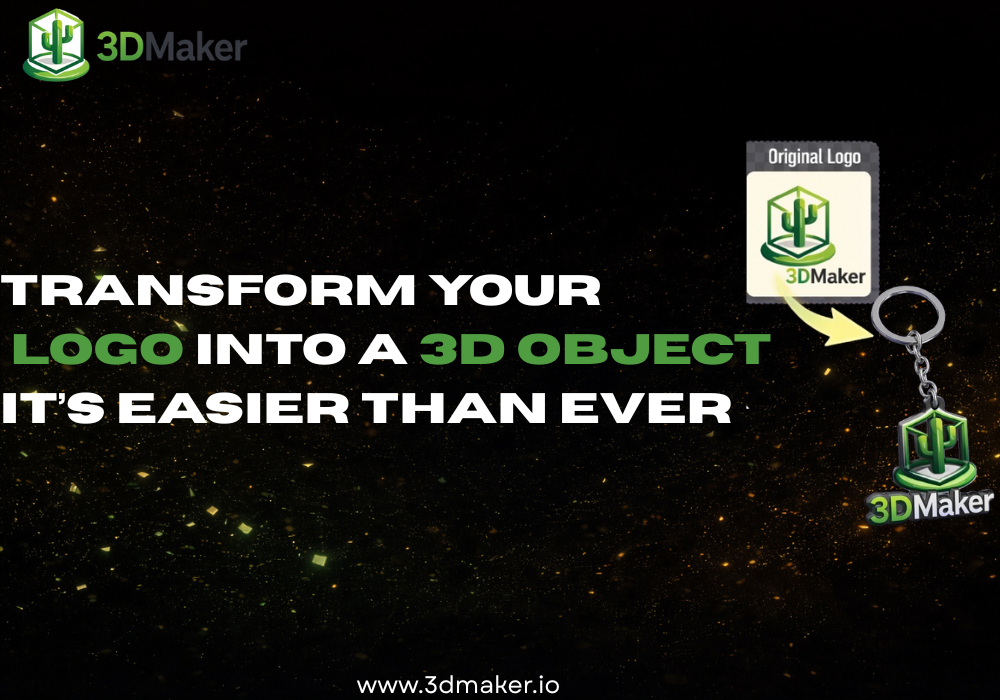
Your logo appears on your website, business cards, packaging, and social media. But what if it could go beyond screens and paper? What if you could turn your professional logo into a real 3D object?
Thanks to AI-powered tools, transforming a 2D logo into a 3D model is no longer complicated. Today, platforms like 3DMaker make it possible to convert your logo into a 3D object in just a few minutes.
Why Turn Your Logo into a 3D Object?
A 3D version of your logo opens new creative and marketing opportunities, for example:
- 3D-printed logo for office decoration
- Custom desk trophies or branded figurines
- Event giveaways and promotional objects
- 3D logo animations for digital marketing
- Product packaging mockups
- Exhibition stands and trade shows
A 3D logo makes your brand tangible. Instead of just seeing your identity, clients can physically experience it.
From 2D Logo to 3D Model - What Has Changed?
In the past, converting a flat logo into a 3D model required:
- Professional 3D modeling software
- Advanced CAD knowledge
- Manual extrusion and sculpting
- Technical adjustments for printing
Now, AI automates most of this work. Modern image-to-3D technology analyzes your logo, detects shapes and contours, and reconstructs depth automatically.
How to Convert Your Logo into a 3D Model
Step 1 - Prepare Your Logo File
For best results:
- Use a high-resolution PNG or JPG
- Make sure the background is clean or transparent
- Ensure strong contrast between shapes
Vector logos exported as high-quality images usually produce excellent results.
Step 2 - Upload to an AI 3D Generator
Go to a platform like 3DMaker. Upload your logo and launch generation. The AI will:
- Detect edges and shapes
- Analyze depth possibilities
- Generate a 3D mesh based on your design
- Create a ready-to-download 3D file
No complex modeling. No technical expertise required.
Step 3 - Preview and Adjust
Once your 3D logo is generated:
- Rotate it 360 degrees
- Check thickness and depth
- Adjust scale if needed
3D Printing Your Logo
Once you have your 3D model, you can:
- Print it with a home 3D printer
- Send it to an online 3D printing service
- Use it in product prototypes
- Integrate it into physical brand assets
Examples include a raised 3D logo sign in your office, a custom badge for team members, or a mini branded sculpture for clients.
AI vs Traditional 3D Logo Modeling
| Traditional method | AI image-to-3D |
|---|---|
| Manual 3D modeling | Automated generation |
| Requires design expertise | Beginner-friendly |
| Time-consuming | Fast (minutes) |
| Expensive software | Browser-based tools |
AI dramatically lowers the barrier. Even small teams can create professional 3D brand assets without hiring a dedicated 3D designer.
Best Practices for High-Quality Results
To get the best outcome when converting your logo to 3D:
- Use clean and simple logo designs
- Avoid overly complex gradients
- Ensure shapes are clearly defined
- Keep lines thick enough for 3D printing
Minimalist logos often convert extremely well into 3D objects.
The Future of Branding Is 3D
3D content is becoming standard in:
- Product visualization
- E-commerce experiences
- Augmented reality
- Physical merchandising
Converting your logo from 2D to 3D helps you stay ahead and experiment with new creative directions.
Conclusion
Transforming a professional logo into a 3D object used to require advanced skills. Now, with AI, you can do it in a few steps: upload, generate, and bring your brand into the physical world.